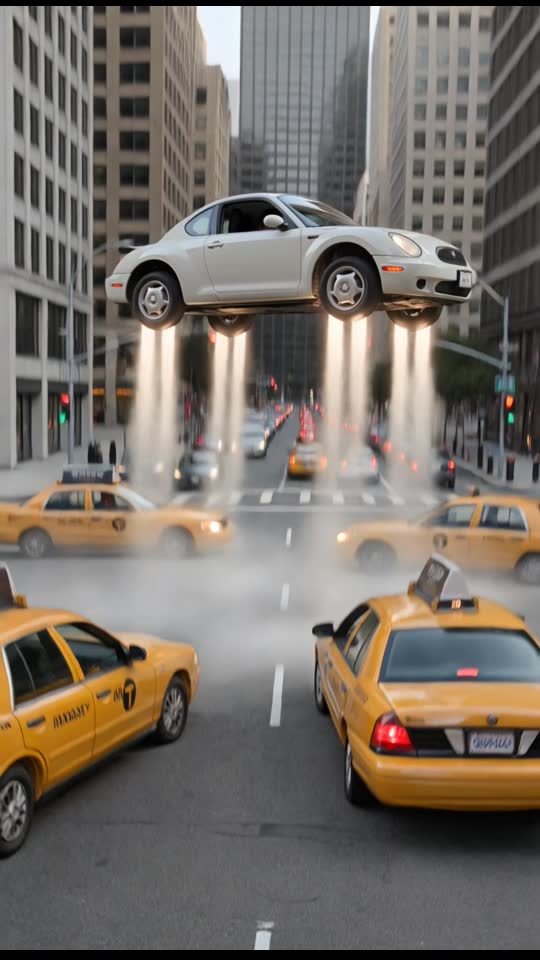
Traffic Fly-Over
10 s · Sound available
Use Traffic Fly-Over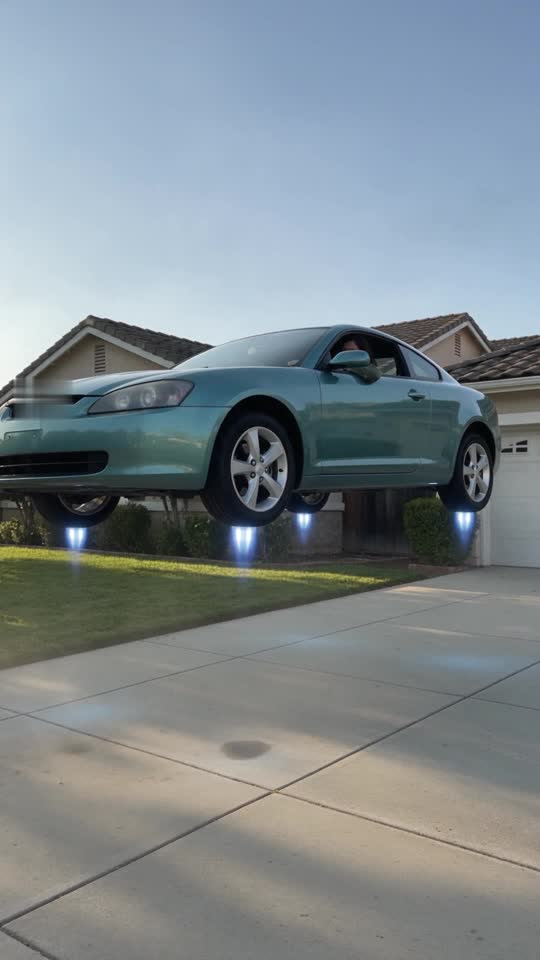
Lift off from a quiet suburban driveway above the rooftops
1 Pick a scene
2 Upload your photo
Secure Stripe checkout · Private download link · Credits restored if a render fails
Choose a clear, well-lit photo of a consenting adult that you have the right to use.
Select one of the five flight presets and complete payment on our secure card checkout page: $9.90 for one video or $19.90 for three, no subscription.
Your watermark-free 720p 9:16 MP4 is ready in about 3 to 6 minutes via a private link sent by email. Failed generations return the credit automatically, and unused credits are refundable within 14 days.
720p 9:16 MP4 · 6–10 s · ready in about 3–6 min · no watermark
Prices in USD. Depending on your country, tax is included or added at checkout. Check your total before paying.
Upload photo10 s · Sound available
Use Traffic Fly-Over8 s · Sound available
Use Driveway Liftoff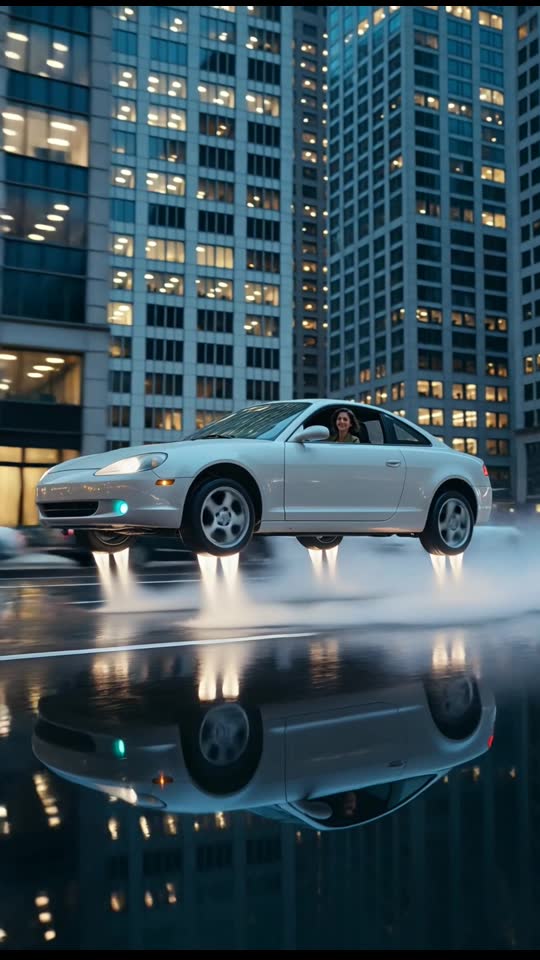
6 s · Silent clip
Use Dusk City Hover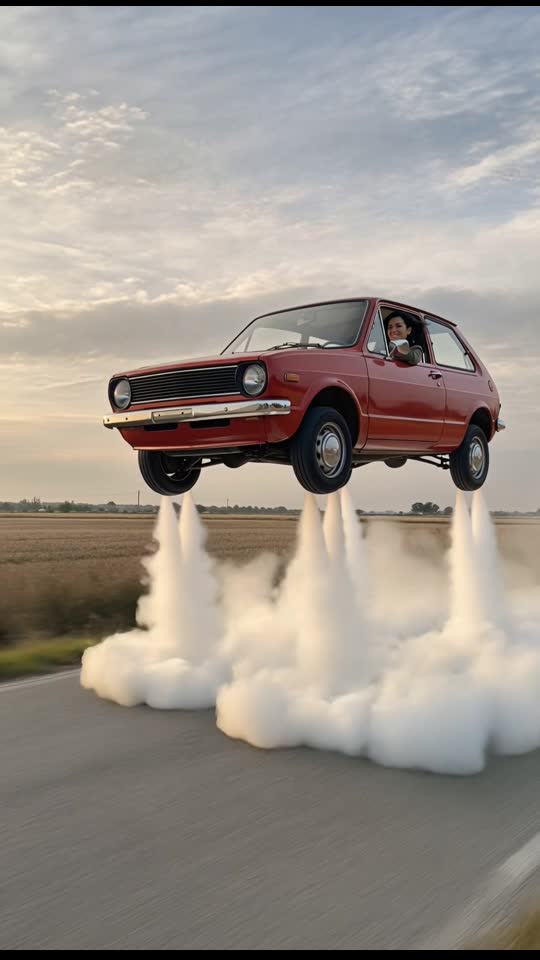
6 s · Silent clip
Use Retro Hatchback Liftoff
9 s · Sound available
Use Pet & Couple Flight
8 s · Sound available
Use Roadster FlipSeconds 0 to 2 begin on a quiet residential driveway framed by green front lawns, mature trees, and neighboring suburban homes. Your subject sits inside the cabin of a generic, unbranded car parked outside a garage while a gentle downdraft ripples across the concrete pavement and nearby grass.
Between seconds 2 and 5, all four wheels leave the driveway in a smooth, controlled vertical ascent. The virtual camera tilts upward inside the 9:16 vertical frame, keeping both the cabin occupant and the receding front yard in view as the vehicle climbs past second-story windows, gutters, and shingled rooflines.
In seconds 5 to 8, the car transitions from its vertical rise into a steady forward climb above the neighborhood tree canopy, looking out over sunlit suburban blocks, backyard fences, and quiet cul-de-sacs before the 8-second 720p clip finishes. Warm morning light glints off the windshield as the neighborhood streets recede beneath the rising chassis.
Upload photoBecause this scene takes place in bright residential daylight, start with a still photo shot in clean, even light. One consenting adult should be clearly visible from the chest or waist up, facing the camera or angled slightly to one side with both eyes and facial contours unobstructed.
Avoid dim restaurant snapshots, heavily pixelated crops, or crowded group photos where other people's shoulders overlap the subject. A sharp smartphone portrait taken outdoors in open shade or near a bright window gives the generator crisp facial features to place behind the cabin glass. You only provide the portrait photo; the suburban house, front yard, concrete driveway, and unbranded car are generated automatically by the scene preset without needing any background vehicles in your original picture.
Upload photoDriveway Liftoff fits everyday humor, whether you are texting family that you are heading out for errands, announcing a visit across town, or sending a lighthearted "on my way" reply in a group chat. It also makes a fun visual reply when friends ask when you are leaving for a dinner party or weekend gathering.
The 8-second runtime loops cleanly on mobile messaging apps, Instagram Stories, Reels, Shorts, and TikTok, and your downloaded 720p MP4 has no watermark. Generation finishes in roughly 3 to 6 minutes with delivery by private email link from the AI Flying Car Video Team. When posting on social media, include a clear note that the video is an AI-generated fictional simulation made for fun.
Upload photoWhile personal flight has long captured public imagination, authentic roadable aircraft and electric vertical takeoff and landing (eVTOL) passenger craft remain strictly experimental prototypes or undergoing rigorous civil aviation certification. None of the commercially accessible vehicles depicted in digital media operate as everyday passenger transport from private suburban properties.
The rendered sequence produced by our generator is entirely synthetic computer animation rather than documentary footage of functional aerospace engineering. Nothing depicted in the scene reflects the mechanical capabilities, flight dynamics, or legal permissions of any real-world transport. When presenting these short animations on public platforms or video archives, always label your clip as synthetic visual fiction or include an artificial intelligence tag to maintain transparency and prevent viewer misunderstanding.
Upload photoBecause an eight-second duration matches standard micro-video structures, pacing your audio track to hit a subtle beat drop or riser around the three-second mark reinforces the visual transition as the vehicle ascends above the fence line. Ambient neighborhood audio, such as distant suburban birdsong abruptly cut off by an electronic turbine hum, establishes a humorous tonal contrast between the ordinary environment and the futuristic ascent.
You can also integrate the animation into longer video projects. Try filming a brief smartphone shot walking out your front door with car keys in hand, cutting directly into the vertical liftoff clip at second zero, and following it with aerial landscape footage or a satellite map graphic showing an imaginary route across town. Pairing the visual with dry, deadpan captions about neighborhood association rules or skipping local speed bumps adds subtle comedic storytelling that complements the visual transition.
Upload photoYour driveway photo has one job: becoming the person in the cabin of your Driveway Liftoff clip. It goes to the AI video provider along with the scene prompt, and it is not posted in a gallery or reused as a public sample.
Uploaded photos are scheduled for deletion after 7 days. The finished video is tied to your private order link rather than a public page, and anyone holding that link can open it, so share it with care. See the privacy policy for request options.
Upload photo