Traffic Fly-Over
10 s · Sound available
Use Traffic Fly-Over1 Pick a scene
2 Upload your photo
Secure Stripe checkout · Private download link · Credits restored if a render fails
Choose a clear, well-lit photo of a consenting adult (or your pet for Pet & Couple Flight) that you have the right to use.
Select one of the five flight presets and complete payment on our secure card checkout page: $9.90 for one video or $19.90 for three, no subscription.
Your watermark-free 720p 9:16 MP4 is ready in about 3 to 6 minutes via a private link sent by email. Failed generations return the credit automatically, and unused credits are refundable within 14 days.
720p 9:16 MP4 · 6–10 s · ready in about 3–6 min · no watermark
Prices in USD. Depending on your country, tax is included or added at checkout. Check your total before paying.
Upload photo10 s · Sound available
Use Traffic Fly-Over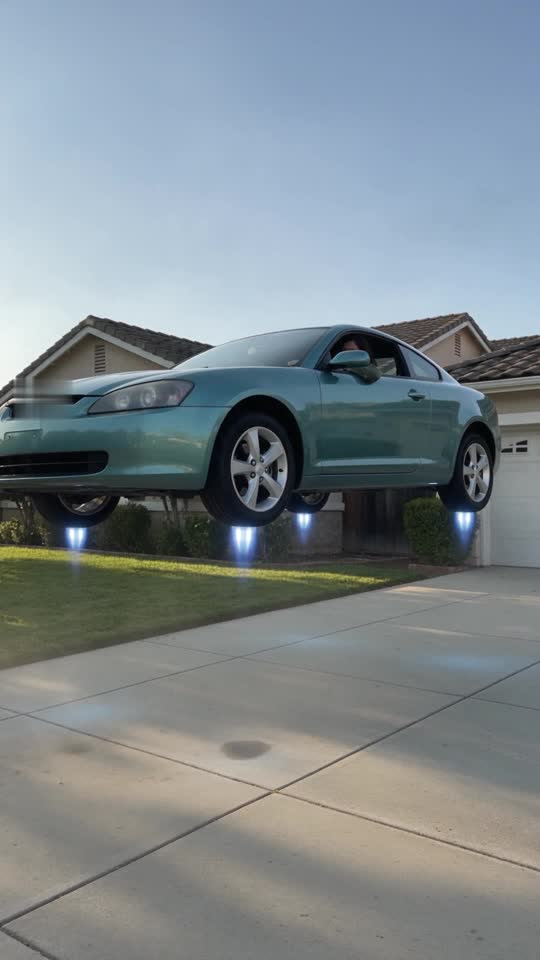
8 s · Sound available
Use Driveway Liftoff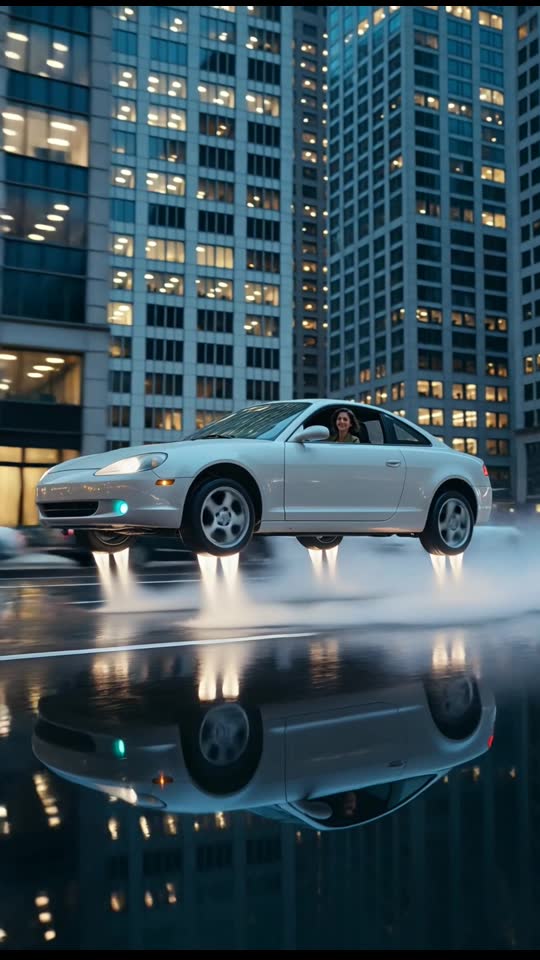
6 s · Silent clip
Use Dusk City Hover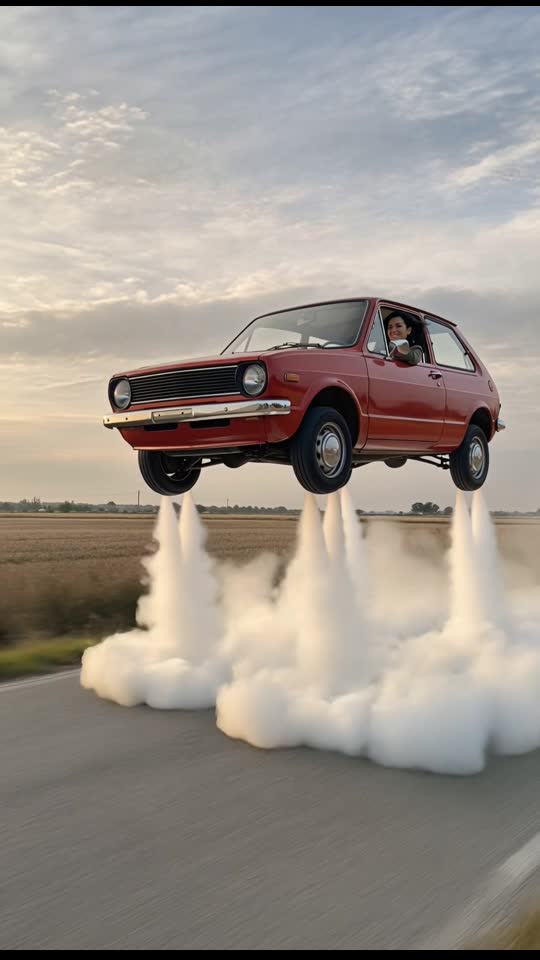
6 s · Silent clip
Use Retro Hatchback Liftoff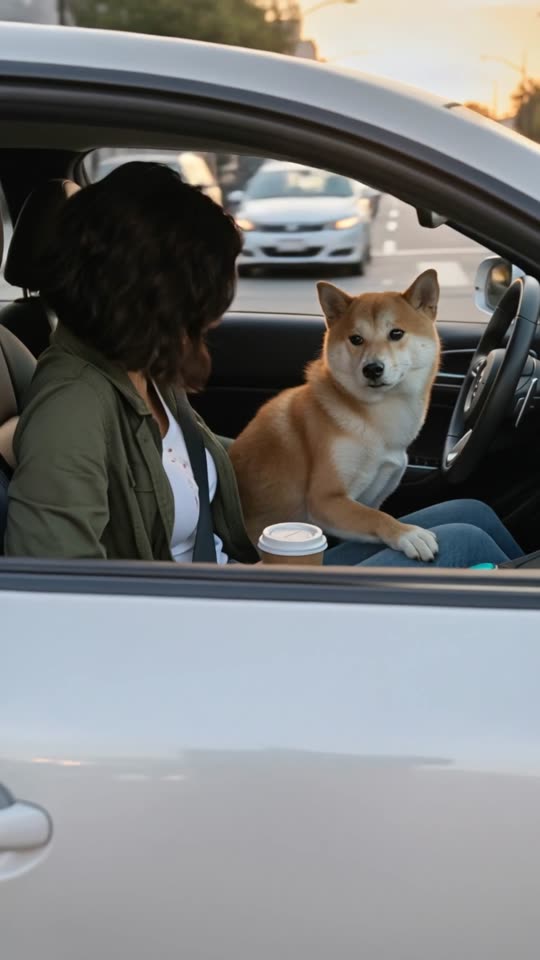
9 s · Sound available
Use Pet & Couple Flight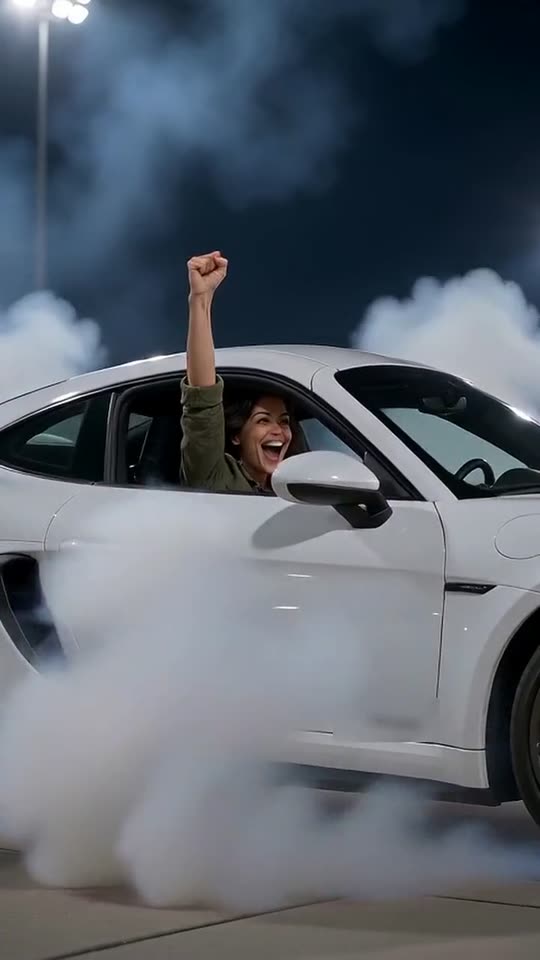
8 s · Sound available
Use Roadster FlipYour finished clip begins with one still photograph. For the cleanest result, upload a sharp, well-lit daytime or indoor photo where the subject is clearly visible from the waist or chest up. Front-facing or slight three-quarter angles work best because they align naturally with the virtual cabin perspective. Avoid heavy motion blur, dark shadows across the face, oversized sunglasses, or crowded backgrounds where other people overlap the main subject. Only upload photos of consenting adults (or your pet for Pet & Couple Flight) that you own or have permission to use.
Once you choose a scene and complete guest checkout, our system generates a vertical 9:16 MP4 video at 720p resolution, running 6 to 10 seconds depending on the preset. Every clip features a generic, unbranded vehicle performing a fictional liftoff or low-altitude cruise with smooth simulated camera motion. There is no watermark on your downloaded file. Generation takes about 3 to 6 minutes, and your private download link arrives by email from the AI Flying Car Video Team.
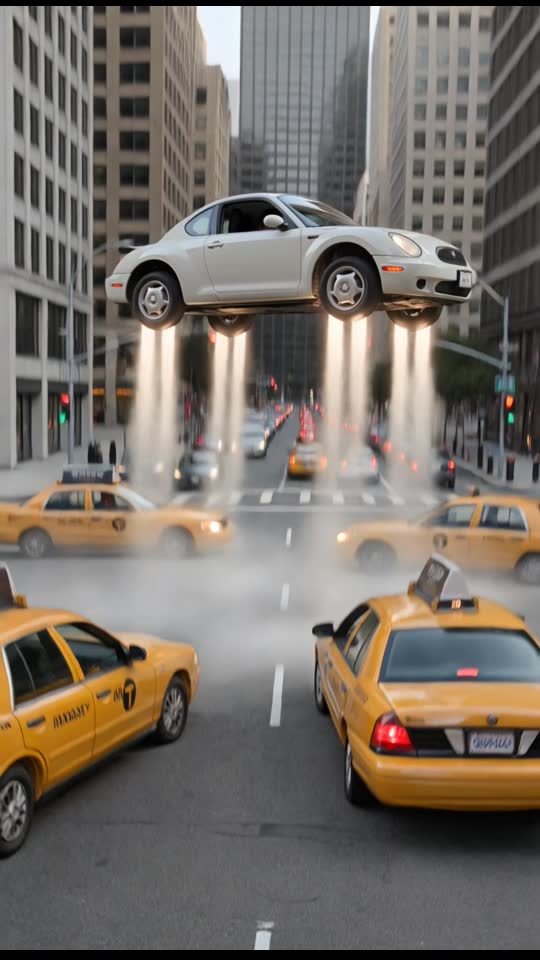
Upload photoEach preset places your photo inside a generic, unbranded vehicle with its own setting and runtime. In Traffic Fly-Over (10 seconds), your car rises out of bumper-to-bumper daytime highway traffic and glides above stopped lanes and overhead signs. Driveway Liftoff (8 seconds) starts outside a quiet suburban garage, ascending past front lawns, trees, and neighborhood rooftops in warm daylight. Dusk City Hover (6 seconds) trades high altitude for a moody twilight avenue after rain, holding a controlled low hover just above wet asphalt and puddle reflections between downtown buildings.
If you prefer classic road-trip humor, Retro Hatchback Liftoff (6 seconds) surrounds an old boxy red hatchback with billowing white vapor before climbing above an open two-lane road. For pets or two people sharing the ride, Pet & Couple Flight (9 seconds) frames a bright cabin interior already cruising through blue sky and soft clouds, keeping the focus on your dog, cat, or consenting adult duo.
Upload photoEvery AI flying car video created on this site is fictional entertainment, never a real flight or actual test footage. When you upload one still photo, our flying car AI places the subject inside a computer-generated, generic, unbranded vehicle and renders simulated camera motion, lighting, reflections, and background scenery into a vertical 9:16 MP4 clip. No real car ever leaves the ground.
Because the finished clip looks smooth on mobile feeds, label it clearly when sharing (add #AI or say "AI-generated fiction" in your caption) so viewers know it is a playful simulation. Always respect photo consent: only upload photos you own or have permission to use, ensure every person pictured is an adult who agrees to be included, and never upload photos of minors.
Upload photo