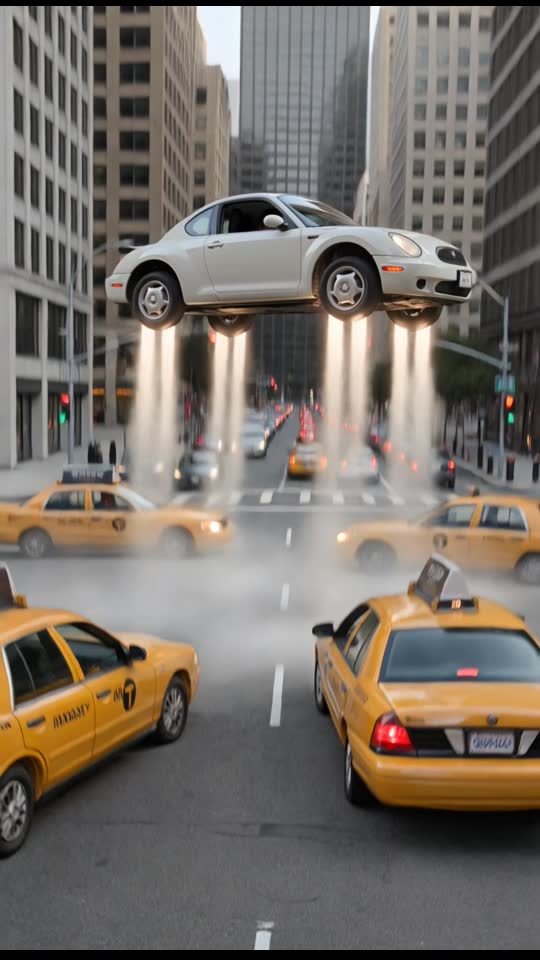
Traffic Fly-Over
10 s · Sound available
Use Traffic Fly-Over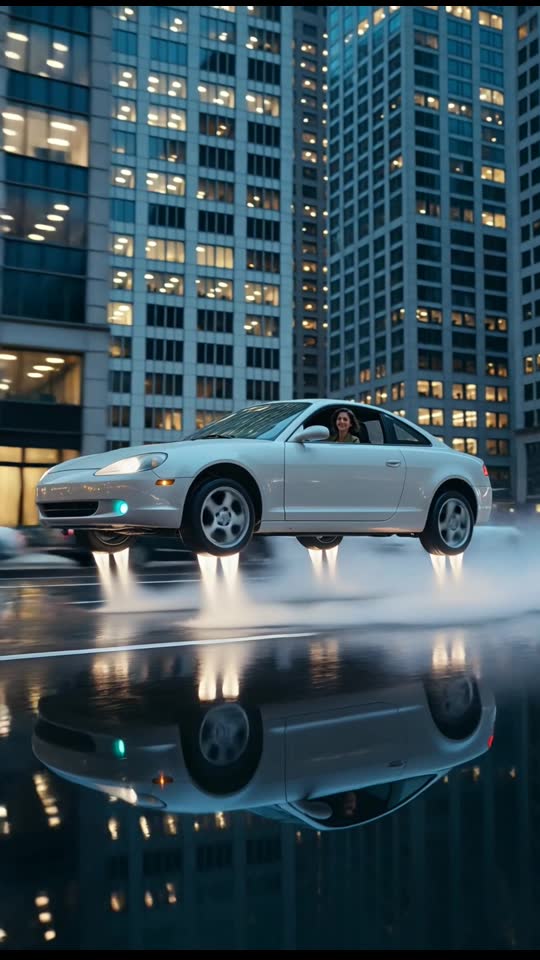
Hover low over wet city streets at dusk between tall towers
1 Pick a scene
2 Upload your photo
Secure Stripe checkout · Private download link · Credits restored if a render fails
Choose a clear, well-lit photo of a consenting adult that you have the right to use.
Select one of the five flight presets and complete payment on our secure card checkout page: $9.90 for one video or $19.90 for three, no subscription.
Your watermark-free 720p 9:16 MP4 is ready in about 3 to 6 minutes via a private link sent by email. Failed generations return the credit automatically, and unused credits are refundable within 14 days.
720p 9:16 MP4 · 6–10 s · ready in about 3–6 min · no watermark
Prices in USD. Depending on your country, tax is included or added at checkout. Check your total before paying.
Upload photo10 s · Sound available
Use Traffic Fly-Over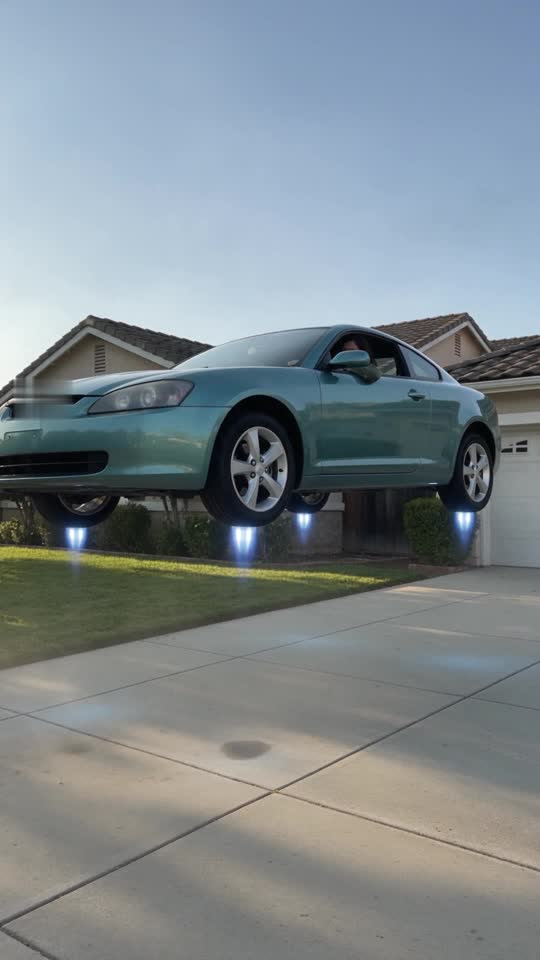
8 s · Sound available
Use Driveway Liftoff6 s · Silent clip
Use Dusk City Hover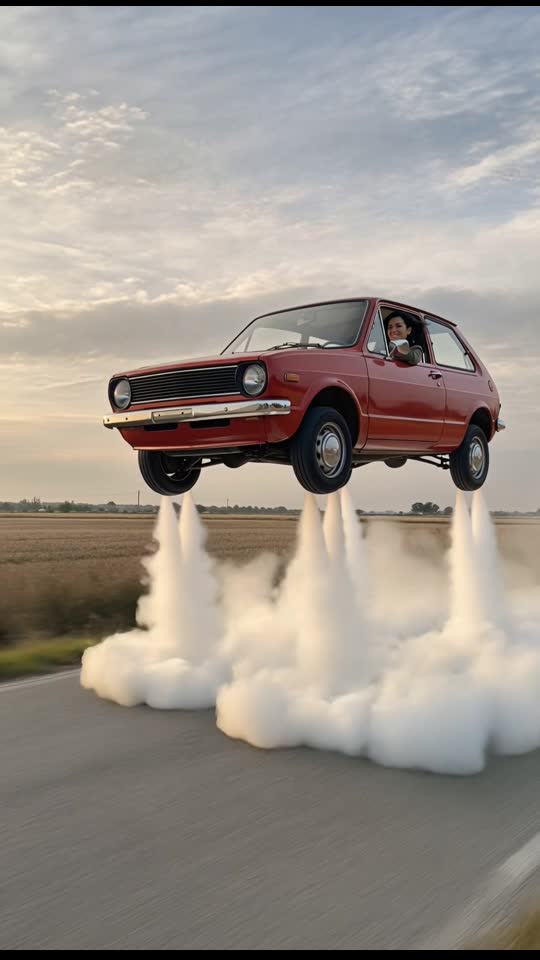
6 s · Silent clip
Use Retro Hatchback Liftoff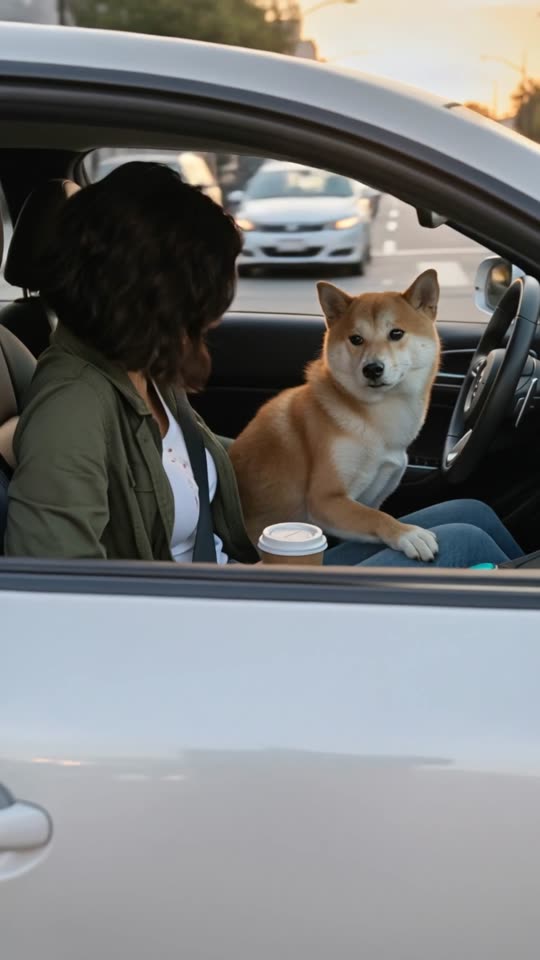
9 s · Sound available
Use Pet & Couple Flight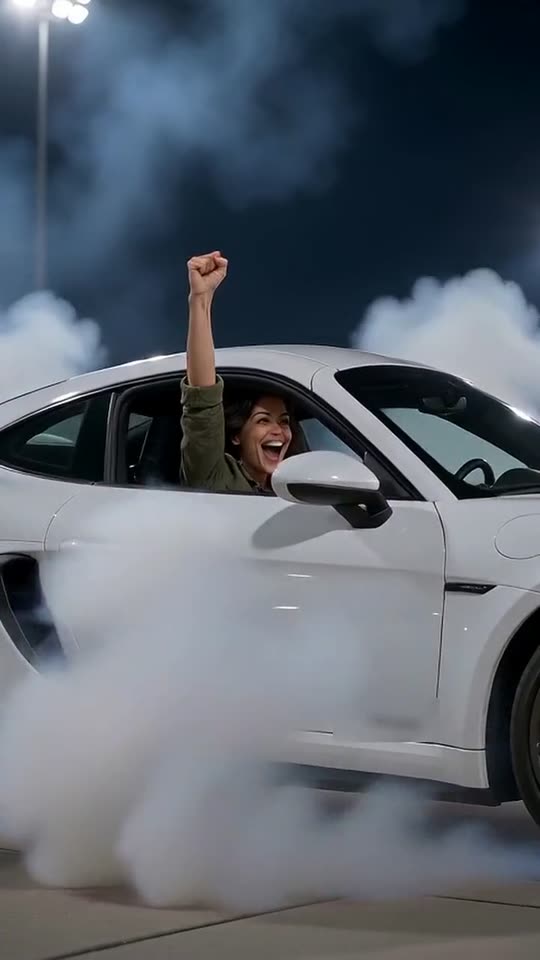
8 s · Sound available
Use Roadster FlipSeconds 0 to 2 open in a moody grey-blue twilight downtown corridor shortly after an evening rain shower. A generic, unbranded car rests in a controlled low hover just inches above the wet asphalt, where warm streetlights and overcast dusk sky reflect across the slick road surface.
From seconds 2 to 4, the vehicle glides smoothly forward a few feet off the pavement while the virtual camera tracks alongside the cabin window in 9:16 vertical format, showing your subject clearly inside the cabin as city buildings pass steadily in the background.
During seconds 4 to 6, the car holds its steady low-altitude hover down the rain-slicked urban avenue, sending subtle ripples across the puddle reflections beneath the chassis before the 6-second 720p MP4 clip concludes. Cool twilight reflections shimmer along the side panels as the vehicle maintains its level urban glide.
Upload photoAlthough the scene features a cool grey-blue dusk color palette, you should still upload a bright, evenly lit still photo rather than a dark, underexposed, or grainy nighttime snapshot. Clean source lighting allows the AI model to apply twilight cabin shading naturally without losing facial detail or muddying skin tones.
Choose a photo of one consenting adult framed from the shoulders or waist up, looking forward or at a gentle three-quarter angle toward the camera. Avoid dark tinted glasses, harsh direct camera flash on the forehead, heavy color filters, or busy foreground objects between the lens and the subject. A crisp smartphone portrait taken against a simple wall or calm outdoor backdrop produces the most consistent cabin composite behind the side window glass.
Upload photoWith its slate-blue twilight tones, wet street reflections, and controlled low-altitude hover, this 6-second scene suits atmospheric story posts, music-backed status updates, or evening check-ins with friends before heading downtown for dinner, a movie, or a concert. You can also pair the clip with lo-fi beats or synth tracks for a quick late-night visual update.
Its concise 6-second length makes it easy to loop on Reels, Shorts, or TikTok without manual trimming, and your 720p MP4 arrives watermark-free via a private email link from the AI Flying Car Video Team in about 3 to 6 minutes. Because all scenes on our platform depict generic, unbranded vehicles generated by AI from a single photo, always label the finished video as AI-generated fiction when sharing online.
Upload photoWhile electric vertical takeoff and landing (eVTOL) aircraft and dual-mode roadable vehicles are actively developed within the aerospace sector, they remain strictly limited to experimental prototypes, controlled testing facilities, and lengthy airworthiness certification programs overseen by aviation authorities. Operational air taxis do not navigate urban street corridors, nor do they hover inches above wet pavement among city buildings without designated flight corridors, certified vertiports, and licensed flight operators.
The footage produced in this flying car city video is entirely fictional visual simulation created through software. It does not depict actual vehicle capability, practical aerodynamics, or lawful urban flight operations. Because modern digital visuals can appear convincing on mobile screens, always identify your exported clip as synthetic media or an AI-generated fictional scene when publishing to social platforms, preventing any confusion regarding real-world transport technology.
Upload photoWith a concise six-second duration and a moody grey-blue twilight palette, audio design plays a vital role in pacing. Pairing the visual with low ambient rain noise, distant city rumble, or a downtempo electronic synth chord that settles around second three mirrors the smooth forward momentum of the low hover. When adding captions or titles, keep typography concise and position it in the lower third so you do not obscure the vehicle cabin or the puddle reflections on the road.
This clip also functions effectively as a transition piece inside broader video edits. You can combine it with real-world handheld b-roll, such as stepping out of an office tower or walking toward a street corner at dusk, before cutting to the hover sequence as an unexpected visual reveal. For creative storytelling, stacking this clip between standard urban shots creates a cohesive futuristic theme without requiring complicated video production skills.
Upload photoFor the Dusk City Hover scene, the photo you upload is used only to make your clip. The AI video provider that generates the hover receives that photo and the scene prompt to do the rendering.
We schedule uploaded photos for deletion after 7 days. The finished clip is delivered through a private link in your email instead of a public listing, so the link itself is the key to the file. Our privacy policy explains how to make a privacy request.
Upload photo