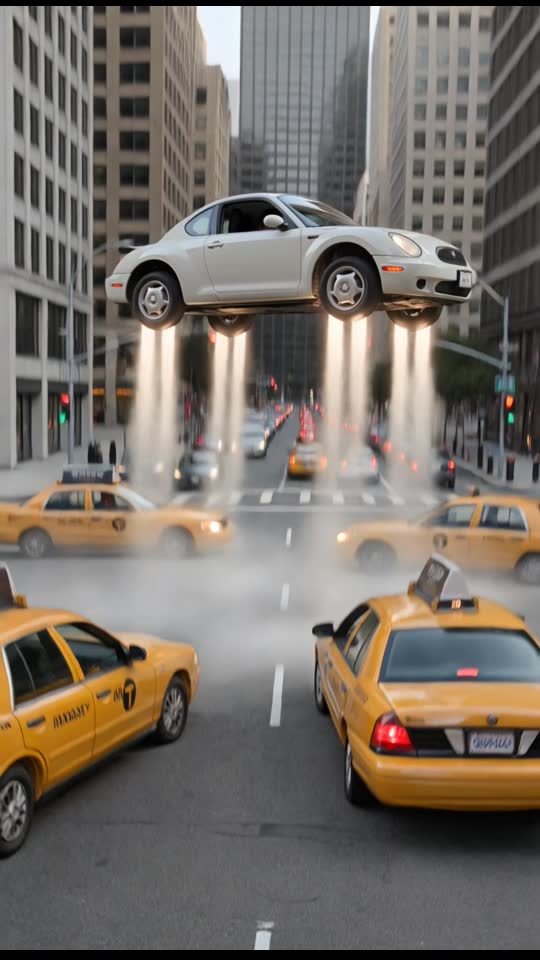
Traffic Fly-Over
10 s · Sound available
Use Traffic Fly-OverRise out of bumper-to-bumper highway traffic into the sky
1 Pick a scene
2 Upload your photo
Secure Stripe checkout · Private download link · Credits restored if a render fails
Choose a clear, well-lit photo of a consenting adult that you have the right to use.
Select one of the five flight presets and complete payment on our secure card checkout page: $9.90 for one video or $19.90 for three, no subscription.
Your watermark-free 720p 9:16 MP4 is ready in about 3 to 6 minutes via a private link sent by email. Failed generations return the credit automatically, and unused credits are refundable within 14 days.
720p 9:16 MP4 · 6–10 s · ready in about 3–6 min · no watermark
Prices in USD. Depending on your country, tax is included or added at checkout. Check your total before paying.
Upload photo10 s · Sound available
Use Traffic Fly-Over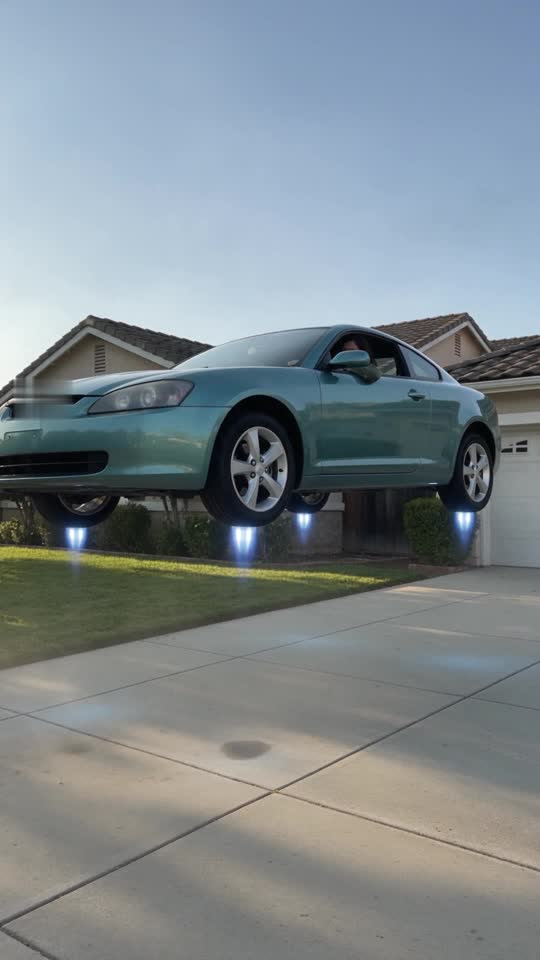
8 s · Sound available
Use Driveway Liftoff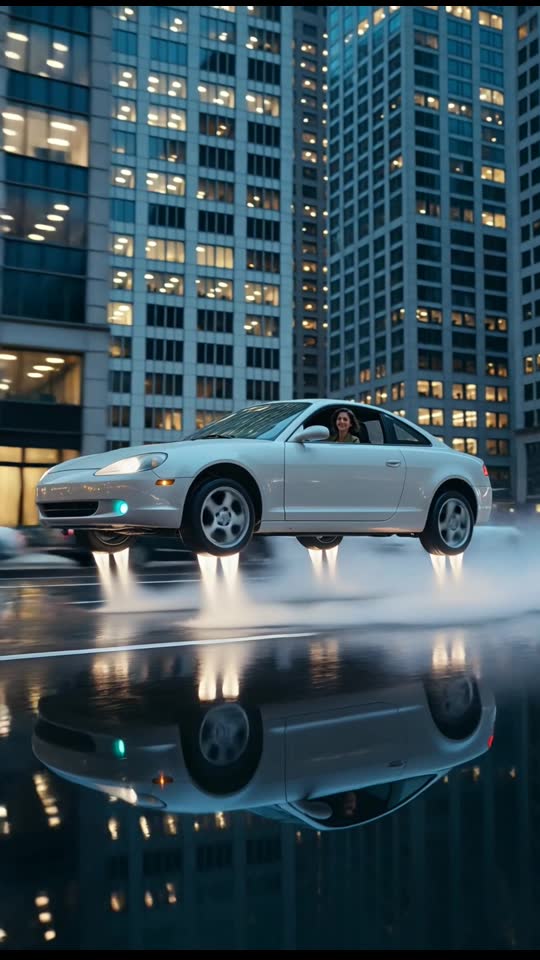
6 s · Silent clip
Use Dusk City Hover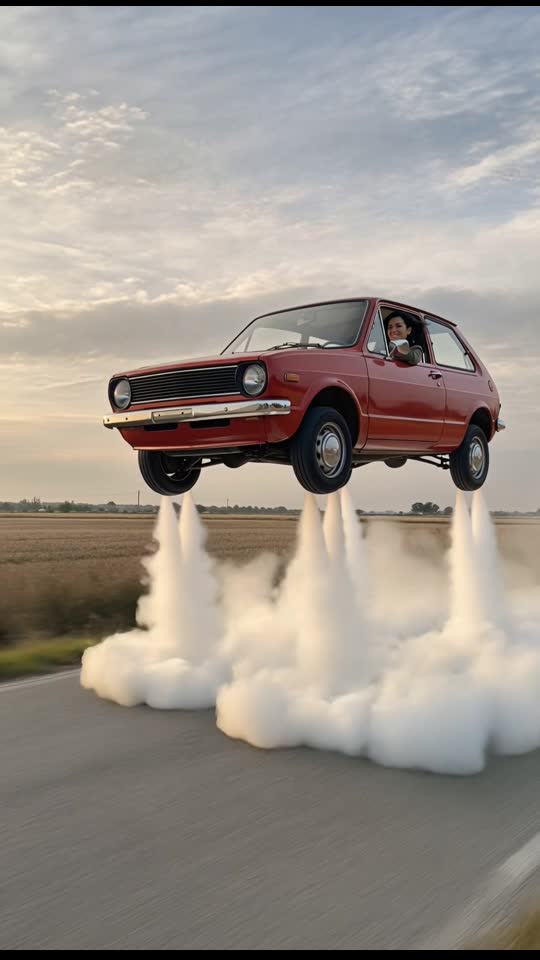
6 s · Silent clip
Use Retro Hatchback Liftoff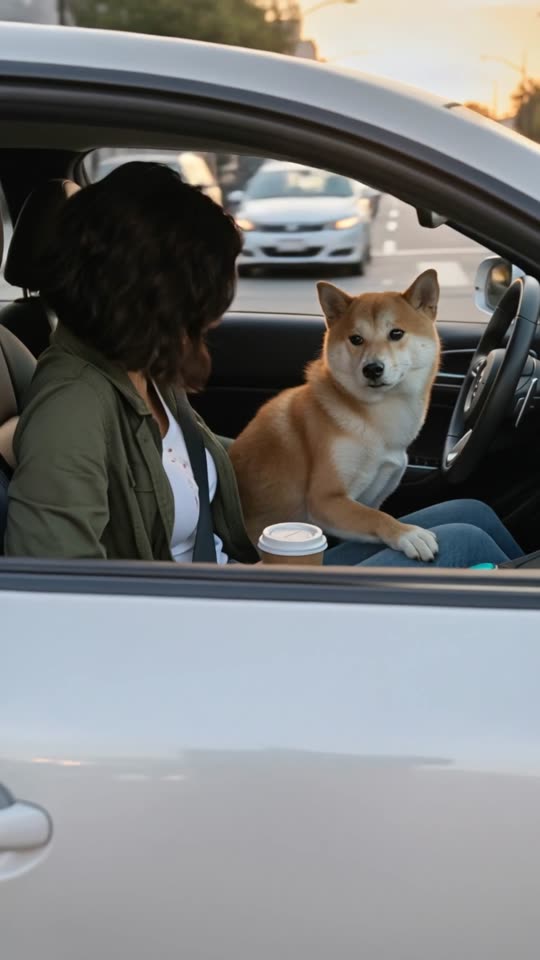
9 s · Sound available
Use Pet & Couple Flight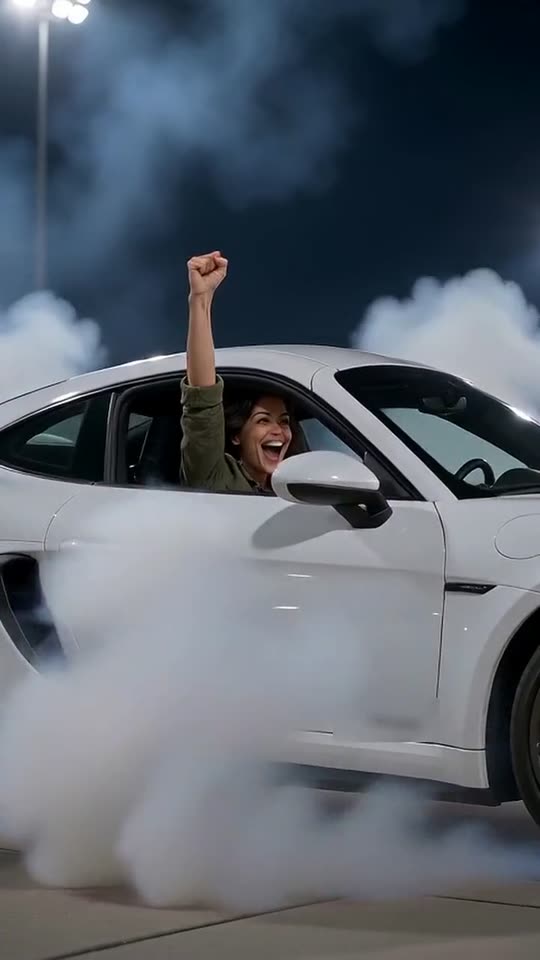
8 s · Sound available
Use Roadster FlipSeconds 0 to 3 open at road level on a packed multi-lane commuter highway during daytime. Your subject is seated inside the cabin of a generic, unbranded car boxed in by stationary sedans, SUVs, and glowing red brake lights. A subtle heat shimmer and shifting ground shadow form beneath the chassis as the tires detach cleanly from the asphalt.
From seconds 3 to 7, the vehicle rises smoothly out of the congested lane while the virtual camera tracks upward and pulls back in a 9:16 vertical frame. Below the undercarriage, rows of stopped highway traffic shrink into the distance as your car clears overhead road signs, light poles, and concrete overpasses.
During seconds 7 to 10, the car levels off into a steady forward glide high above the gridlock, banking gently toward the open horizon while daylight reflects across the windshield before the 10-second 720p MP4 clip concludes.
Upload photoSelect a clear, well-lit portrait or upper-body photo of one consenting adult. Natural outdoor daylight or balanced indoor room lighting helps the AI model blend your subject convincingly behind the windshield and side window glass without harsh color shifts or muddy shadows.
A forward-facing pose or slight three-quarter angle looking ahead matches the driver's seat perspective naturally. Skip photos with wide-brimmed hats casting deep forehead shadows, heavy color filters, motion blur, or hands covering the chin and mouth. You do not need to take the photo inside an actual vehicle; a plain wall or simple outdoor backdrop makes subject placement cleaner, preserves crisp facial detail, and keeps the virtual cabin interior looking sharp.
Upload photoThe Traffic Fly-Over scene is built for vertical social feeds like Reels, Shorts, and TikTok, or for dropping into a group chat right after a slow rush-hour commute. Friends, family, and coworkers who deal with daily highway bottlenecks immediately understand the visual joke of skipping bumper-to-bumper traffic by air.
Because your finished 720p MP4 is delivered without a watermark via a private email link in about 3 to 6 minutes, you can post it directly to mobile stories or add your own caption and music track. Whether you are joking about Monday morning gridlock or celebrating a Friday afternoon escape, always disclose that the clip is AI-generated fiction when sharing publicly so viewers know it is playful entertainment rather than a real flight.
Upload photoWhile aerospace engineers continue developing roadable aircraft and electric vertical takeoff and landing (eVTOL) passenger craft, those technologies operate under stringent civil aviation certifications and require designated runways or vertiport infrastructure. Modern air taxis and dual-mode prototypes remain in regulated flight testing phases and cannot legally or mechanically launch straight upward from congested public commuter lanes. Nothing displayed in this scene reflects the operational specifications, mechanical lift systems, or genuine flight capabilities of any real consumer vehicle.
The rendered sequence represents digital visual effects created entirely through algorithmic computation. Because mobile displays render artificial reflections, ambient highway light, and camera motion with realistic fidelity, always accompany the file with visible labels indicating computer generation when distributing it across public networks. Explicitly stating that the clip is a synthetic visual simulation prevents audience confusion regarding modern urban air mobility and maintains transparency on social feeds.
Upload photoThe ten-second runtime provides a practical structure for multi-clip edits. Consider leading with three to five seconds of genuine smartphone or dashcam footage captured during an actual commuter bottleneck, followed immediately by this highway takeoff sequence. Sequencing authentic dashboard footage directly into the simulated vertical climb establishes an entertaining contrast between everyday commuter frustration and effortless aerial escape.
Audio pacing can further enhance the clip's dramatic shift. Layer realistic highway rumble, idling engines, or subdued radio static beneath the stationary opening seconds, then cut sharply to clean wind ambiance or an energetic musical swell at second three when the chassis detaches from the road. For textual captions, framing the scene around deadpan navigation rerouting alerts, elevated altitude metrics, or fictional traffic avoidance updates creates an engaging narrative that complements the ten-second visual arc.
Upload photoWe use your uploaded photo only to create the Traffic Fly-Over clip you order. The AI video provider that renders the scene receives the photo together with our scene prompt, and nothing else about you beyond what the order needs.
Uploaded photos are scheduled for deletion after 7 days. Your finished MP4 is reachable through the private link in your order email, so keep that link to yourself unless you want someone else to download the clip. The full details are in our privacy policy.
Upload photo