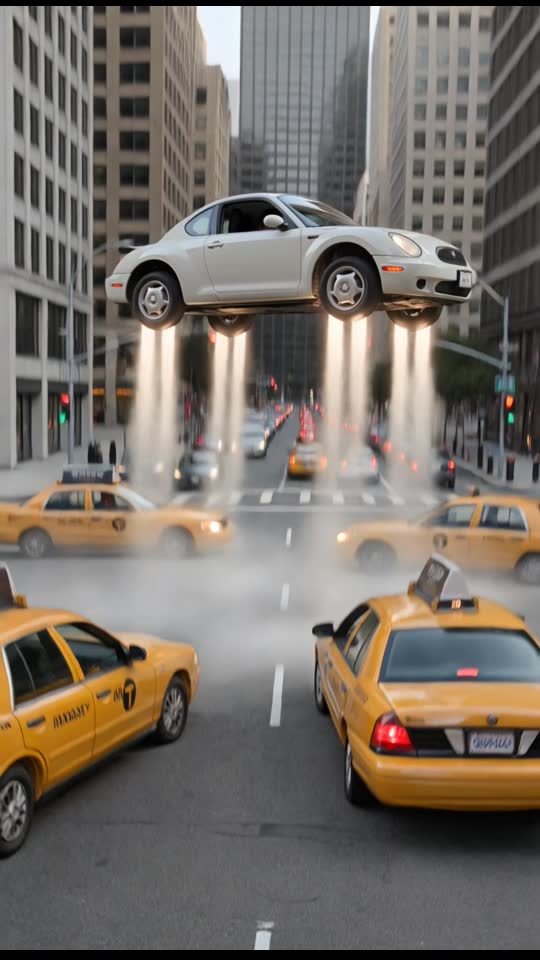
Traffic Fly-Over
10 s · 9:16 · Sound available
Use this scene1 Pick a scene
2 Upload your photo
AI results vary · failed generations return the credit automatically
Every vertical flying car video created here renders directly in native 9:16 portrait format. You upload a single still photo and pick a fixed scene to produce a fictional clip ready for mobile playback. The resulting video arrives without watermarks and includes synchronized AI sound effects.
Upload photoChoose a clear, well-lit photo of a consenting adult (or your pet for Pet & Couple Flight) that you have the right to use.
Select one of the six flight presets and complete payment on our secure card checkout page: $9.90 for one video or $19.90 for three, no subscription.
Your watermark-free 720p 9:16 MP4 is ready in about 3 to 6 minutes via a private link sent by email. Failed generations return the credit automatically, and unused credits are refundable within 14 days.
720p 9:16 MP4 · 6–10 s · ready in about 3–6 min · no watermark
Prices in USD. Depending on your country, tax is included or added at checkout. Check your total before paying.
Upload photo10 s · 9:16 · Sound available
Use this scene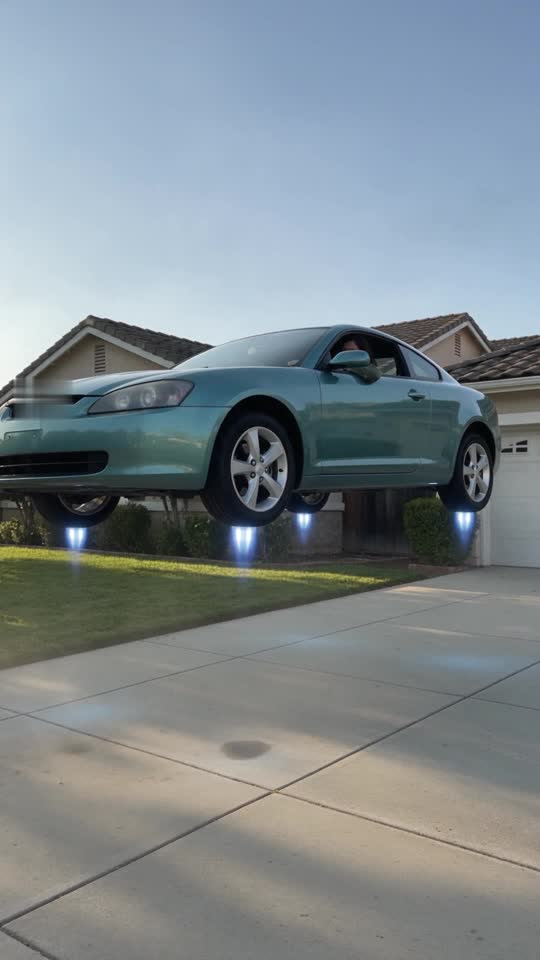
8 s · 9:16 · Sound available
Use this scene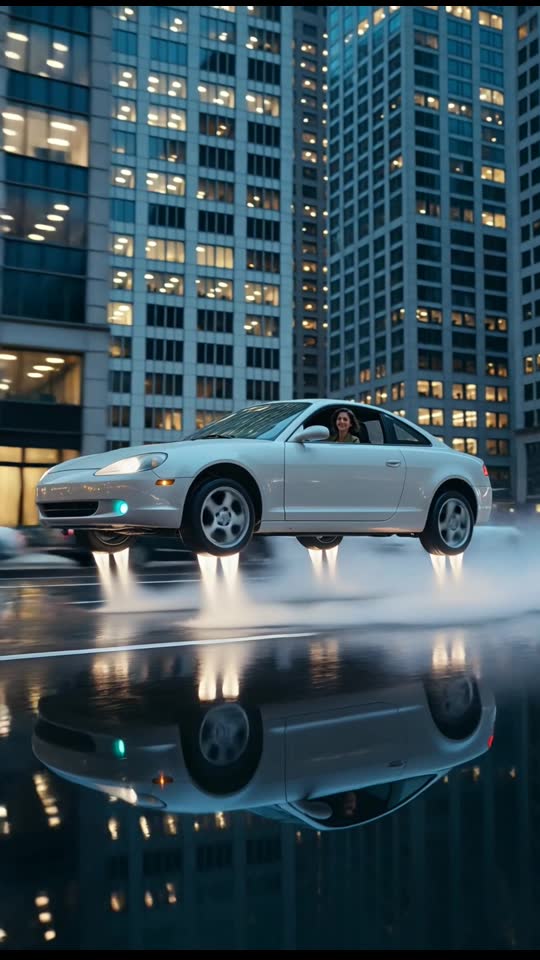
6 s · 9:16 · Silent clip
Use this scene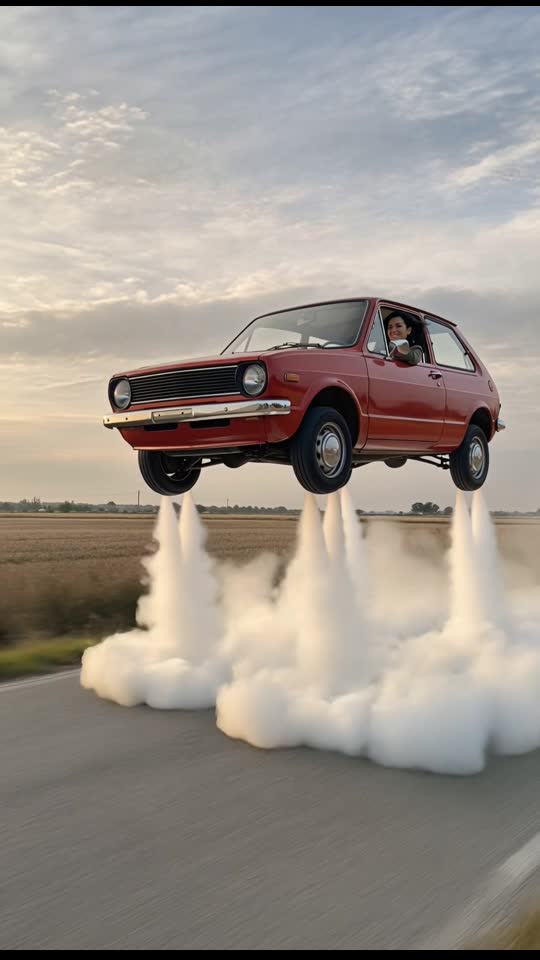
6 s · 9:16 · Silent clip
Use this scene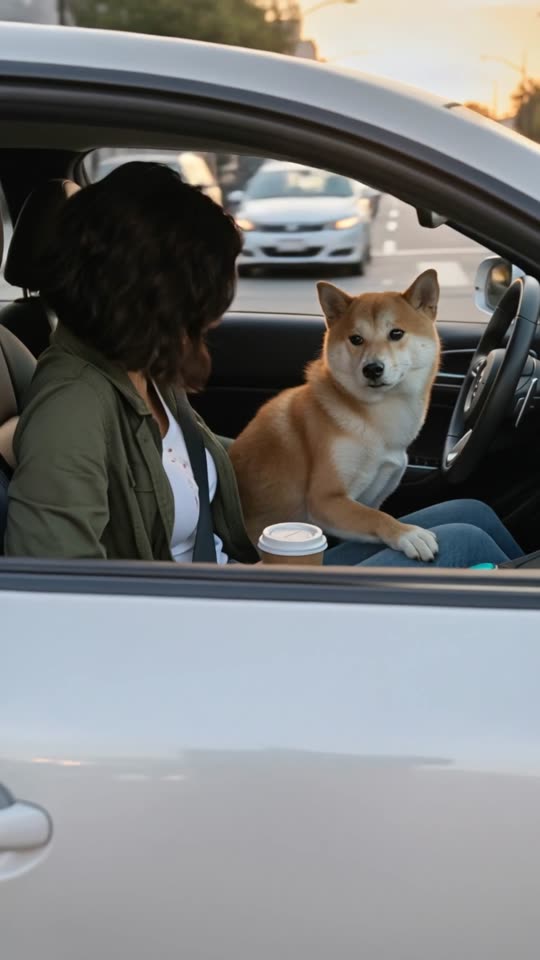
9 s · 9:16 · Sound available
Use this scene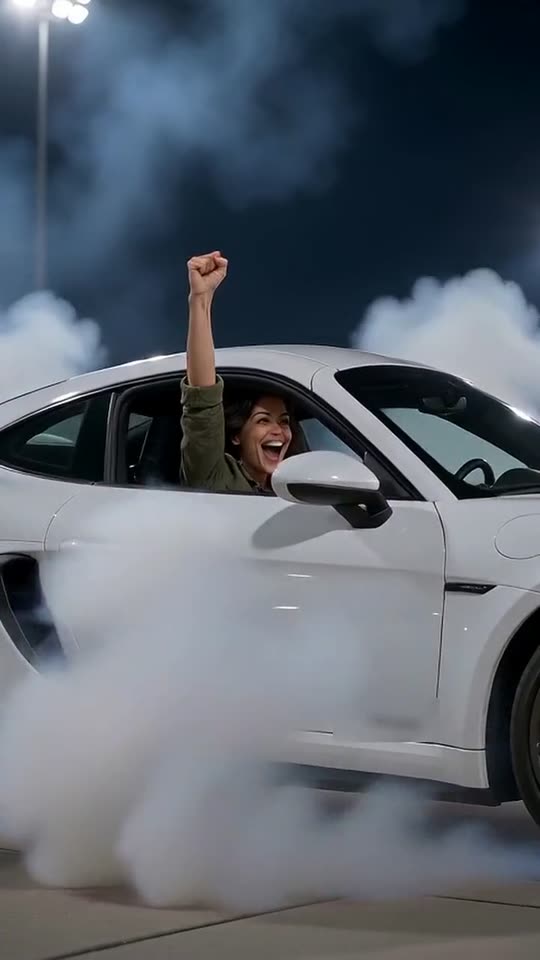
8 s · 9:16 · Sound available
Use this sceneModern mobile feeds rely on upright video layouts that fill the entire smartphone screen. When you generate a vertical flying car video, the frame requires no cropping or awkward manual resizing. The 720p MP4 file matches standard mobile display dimensions upon export.
Horizontal clips often end up with black letterbox bars on mobile devices. Our fixed scene compositions position the vehicle and background elements specifically for portrait screens. Your photo subject stays centered while the vehicle lifts smoothly into the upper frame.
Upload photoThe browser resizes your chosen image before sending it to the server. You only need a JPEG, PNG, or WebP photo of yourself or a consenting adult. Pet & Couple Flight also accepts an image of a pet or two consenting adults.
You do not write prompt text or adjust camera parameters. The tool places the subject inside an unbranded car that takes flight using fixed scene instructions. The completed MP4 file downloads straight to your phone or computer.
Upload photoSix distinct scene presets are available to match different visual aesthetics. Traffic Fly-Over runs for ten seconds and shows a vehicle rising above stationary highway traffic. Driveway Liftoff lasts eight seconds as vapor thrusters push the car above suburban rooftops.
Dusk City Hover offers a six-second glide along wet avenues between towering skyscrapers. Retro Hatchback Liftoff features a vintage red hatchback ascending over an empty road for six seconds. Pet & Couple Flight runs nine seconds across open landscapes, while Roadster Flip performs an eight-second barrel roll over a parked truck.
Upload photoEvery clip generated on the site is an entirely fictional animation created for entertainment. No real car flies, and these animations do not use genuine dashcam footage. We encourage clear disclosure whenever you share your generated clip online.
Social networks provide built-in toggles to label uploaded media as artificial intelligence creations. Turning on these native labels helps maintain viewer trust across public video platforms. It also prevents casual viewers from mistaking synthetic animation for documented live events.
Upload photoClear captions make your videos fun without misleading your audience. You can highlight the novelty of the clip while openly acknowledging the underlying technology. Short descriptions work best on fast-scrolling vertical social media platforms.
Consider using captions like 'Testing an AI flying car video filter on my photo' or 'My commute if gridlock actually had an escape button.' Phrases such as 'Fictional AI render made with one picture' or 'Imagining my car taking flight' keep your posts engaging and completely honest.
Upload photoPurchasing uses Stripe guest checkout and requires only your email address. You do not create a user account, set passwords, or complete captchas. Pricing is $9.90 for a single video or $19.90 for three videos.
Orders usually finish rendering in about three to six minutes. You can monitor generation status on your private order link, and a download link arrives via email once complete. Credits belong to your checkout email and do not expire.
Upload photoStandard 9:16 vertical feeds place interface buttons along the right edge and account captions across the lower portion. When you review your vertical flying car video, keep your added text overlays centered or positioned slightly above the bottom margin.
The car and your photo subject stay inside the main visual area while the vehicle ascends into the upper frame. Placing your custom text away from the far edges keeps user icons from covering the action during playback.
Upload photoEvery generated MP4 file arrives with AI-generated sound effects built directly into the clip. Because the audio is created by the AI model during rendering, the sound effects can differ each time you produce a scene.
You can publish the clip with its AI sound, or layer music over the video inside your social app. Keeping the original audio on shares the clip exactly as it was rendered.
Upload photoEach preset scene sets a distinct tone without requiring custom prompt writing. Pick Traffic Fly-Over or Driveway Liftoff for a playful take on escaping daily routines, or select Dusk City Hover and Retro Hatchback Liftoff for a cinematic or nostalgic look.
Choose Pet & Couple Flight when you want to feature a pet or a partner cruising above an open landscape. If you prefer a dramatic stunt, Roadster Flip delivers a leap and barrel roll over a parked truck.
Upload photo