Traffic Fly-Over
10 s · 9:16 · Sound available
Use this scene1 Pick a scene
2 Upload your photo
AI results vary · failed generations return the credit automatically
Our tool creates a photo to flying car video from exactly one still picture. You upload a clear portrait, pick a preset scene, and receive an MP4 clip. The person appears inside an unbranded car that lifts off, hovers, or flies through fictional air. The entire process works in your browser on phone or computer without writing prompts.
Upload photoChoose a clear, well-lit photo of a consenting adult (or your pet for Pet & Couple Flight) that you have the right to use.
Select one of the six flight presets and complete payment on our secure card checkout page: $9.90 for one video or $19.90 for three, no subscription.
Your watermark-free 720p 9:16 MP4 is ready in about 3 to 6 minutes via a private link sent by email. Failed generations return the credit automatically, and unused credits are refundable within 14 days.
720p 9:16 MP4 · 6–10 s · ready in about 3–6 min · no watermark
Prices in USD. Depending on your country, tax is included or added at checkout. Check your total before paying.
Upload photo10 s · 9:16 · Sound available
Use this scene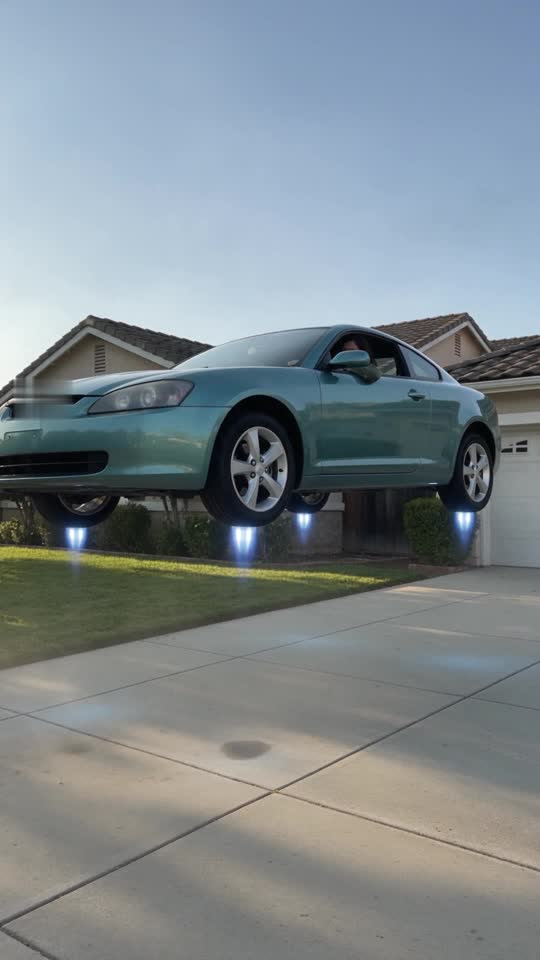
8 s · 9:16 · Sound available
Use this scene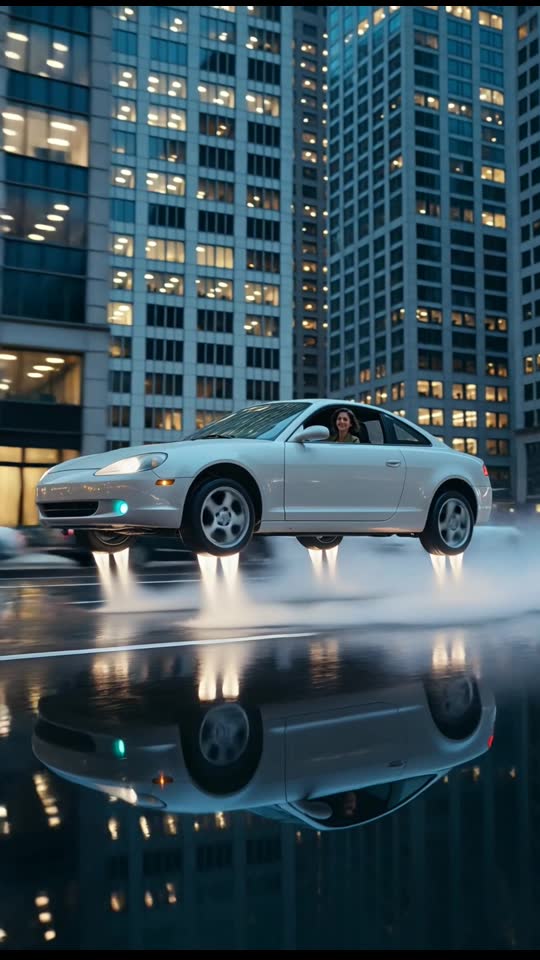
6 s · 9:16 · Silent clip
Use this scene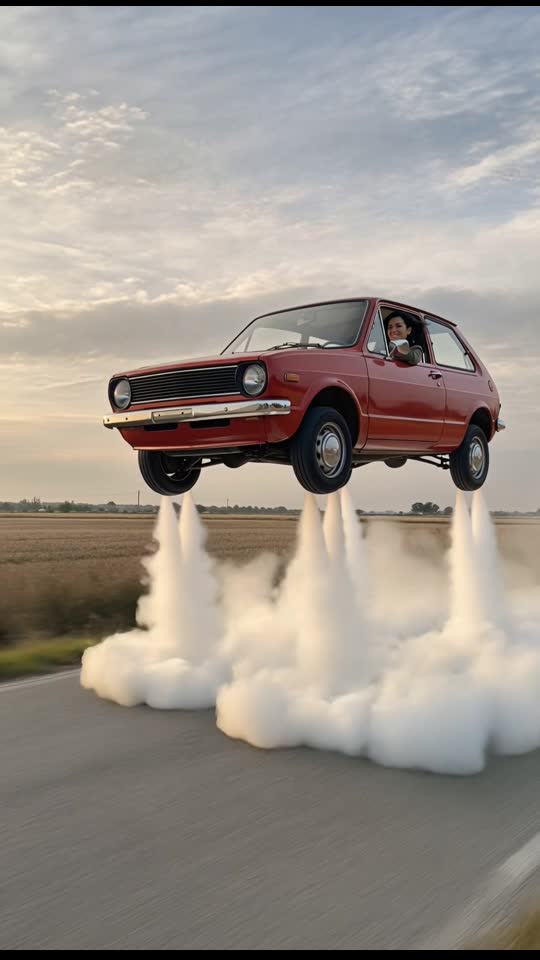
6 s · 9:16 · Silent clip
Use this scene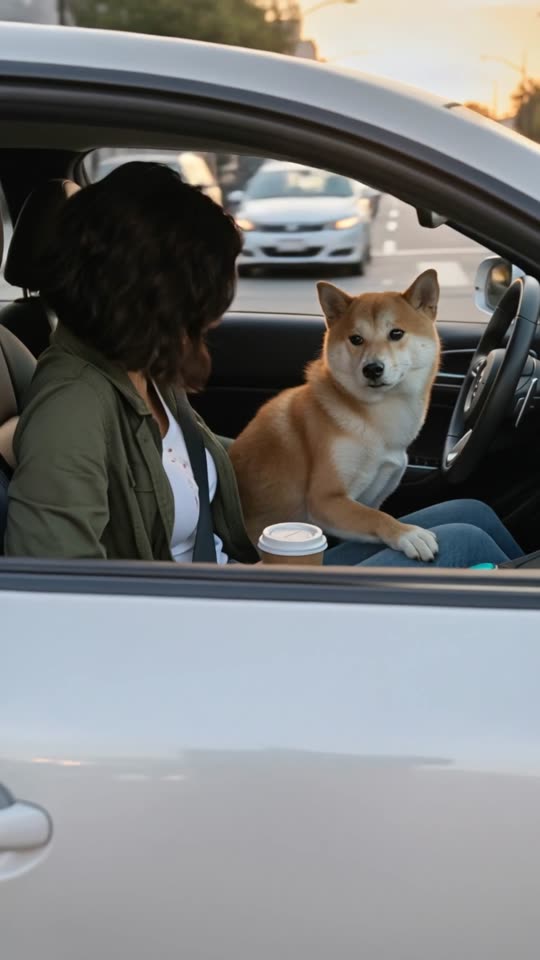
9 s · 9:16 · Sound available
Use this scene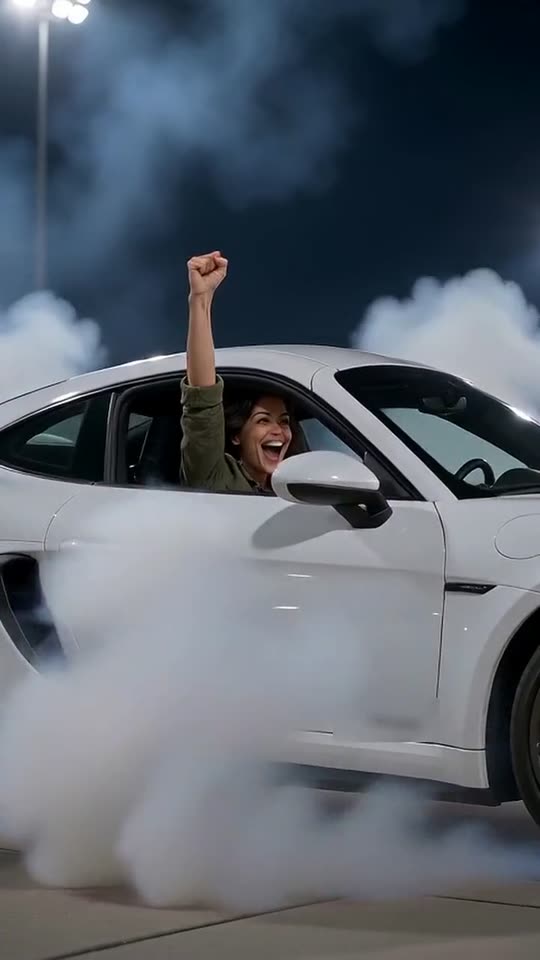
8 s · 9:16 · Sound available
Use this sceneYou can turn photo into flying car video using a single picture of yourself or a consenting adult. The tool accepts standard JPEG, PNG, or WebP image formats. Your browser automatically resizes the image file before the upload starts. You never need to supply source footage, reference clips, or complex visual parameters.
The scene places your subject inside a fictional car cabin using fixed rendering instructions. You do not need to write text prompts or adjust technical camera settings. Every scene runs on a preset prompt designed to lift, hover, or glide across fictional environments. The car remains generic and unbranded, without badges or real license plates.
You can generate a fictional flying car video from photo files directly within your mobile or desktop web browser. No software download, account registration, or password creation is required. You simply select your scene, upload your chosen picture, and complete checkout with an email address.
Upload photoA clear, well-lit portrait produces the most consistent visual placement inside the car cabin. Choose a picture where the subject faces forward with their head and shoulders fully visible. Good natural lighting helps the rendering system identify facial features more cleanly. Blurry, low-resolution, or heavily shadowed snapshots often lead to irregular visual artifacts.
The subject must always be yourself or a consenting adult who gave permission. We strictly prohibit pictures of children or minors anywhere on the platform. If you pick the Pet & Couple Flight scene, you can upload a pet or two consenting adults together. Keep the background simple so the subject remains the primary focus of the shot.
Avoid using pictures that contain sunglasses, heavy face coverings, or extreme camera angles. The AI video model interprets the single still frame to construct facial depth inside the fictional cabin. Standard casual portraits, headshots, or driver-seat photos work best for these preset animation sequences.
Upload photoStart by selecting one of our six preset flight scenes on the website. Each scene offers a unique fictional animation, such as highway fly-overs or driveway liftoffs. Next, choose your single photo from your smartphone gallery or computer drive. Your web browser handles resizing locally to prepare the file for transfer.
Proceed to guest checkout powered by Stripe using only your email address. You can purchase a single video credit for $9.90 or a three-video pack for $19.90. No account creation, password, or captcha stands between you and your order. Once purchased, credits belong to that email address and never expire.
After payment, monitor the generation status directly through your private order link. A rendered MP4 video is usually ready in about 3 to 6 minutes, though timing is not guaranteed. When rendering finishes, we email a private download link directly to your checkout email.
Upload photoEvery delivered file is an MP4 video formatted in vertical 9:16 aspect ratio at 720p resolution. Clip lengths vary between 6 and 10 seconds depending on the chosen scene. Each clip contains synthetic AI-generated audio effects, which differ with every generation run. The exported files do not carry any added watermarks.
AI results vary from image to image and can sometimes display visual artifacts. The sample videos shown on our website illustrate each preset scene rather than guarantee an identical output. Because fictional AI generation is not deterministic, every rendered flight clip exhibits slight variations in movement, lighting, and sound.
Delivered videos use their assigned credits once processing completes successfully. If a technical error causes a generation to fail, the system automatically returns the credit to your balance. You can then try again with a different image or save the credit for later use.
Upload photoWe treat uploaded image files with direct, purpose-limited data practices. The uploaded photo is used solely to generate your requested flying car video. The AI video provider receives the photo along with our fixed scene prompt to render the clip. Uploaded photos are scheduled for automatic deletion after 7 days.
We do not sell data or display customer uploads as public website samples. Our infrastructure runs on Cloudflare for hosting and storage. Payment details are handled entirely by Stripe guest checkout, meaning we never receive your full card number.
Your finished video remains stored behind a private link sent to your email. Anyone with the private link can view or download the finished video file. Order links remain active for 30 days and can be retrieved via the My videos & credits lookup tool.
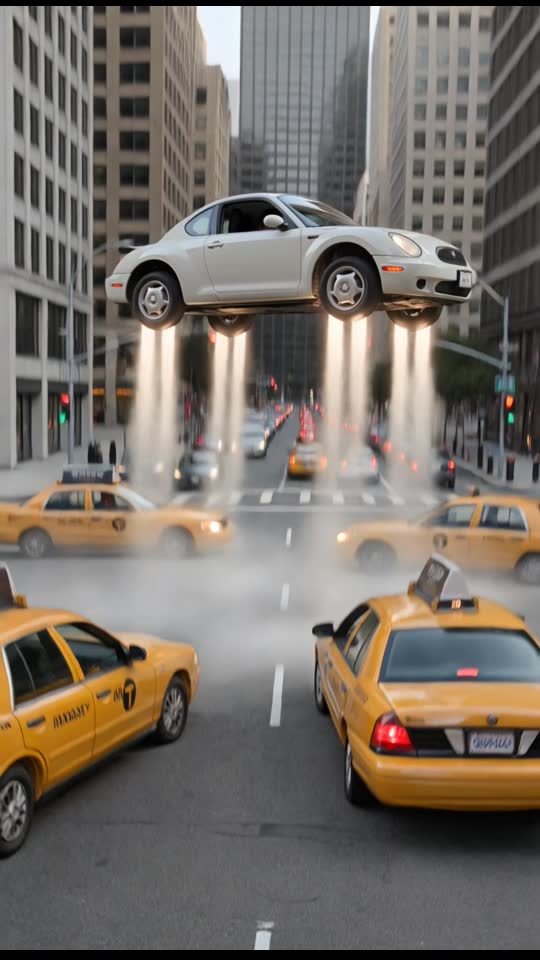
Upload photoYou can choose between six distinct flight animations for your clip. The Traffic Fly-Over scene runs for 10 seconds, lifting a car over stopped highway traffic after the driver presses a glowing button. The Driveway Liftoff scene lasts 8 seconds, firing vapor thrusters to rise vertically over suburban rooftops.
Dusk City Hover provides a 6-second sequence of a low hover between tall urban towers on wet pavement. Retro Hatchback Liftoff offers a 6-second vintage cruise in evening light over an open country road. Pet & Couple Flight provides a 9-second flight accommodating a pet or two adults cruising smoothly over open terrain.
Roadster Flip provides an 8-second night scene on dark floodlit tarmac with thruster roar and tire squeal. The driver leaps over a parked box truck, completes a 360-degree barrel roll, lands flat, and raises a fist. Samples may shift between open and closed roofs during playback, so we do not promise an open-top or convertible build.
Upload photo